Find your next great watch.
Live TV, movies and series. One searchable library, with categories that keep things wonderfully simple.
 TiviCove.
Your browser could not save this language preference. The selected page still works; choose the language again on your next visit.
A native Windows IPTV player for your live TV, movies and series. Bring your own playlists. Make yourself at home.
Windows 10 & 11 · Bring your own content
The preview could not play. You can still explore the app screenshots below.
Bring your playlists. We’ll give them a home. From the first channel of the day to one more episode, TiviCove keeps the experience personal.
Live TV, movies and series. One searchable library, with categories that keep things wonderfully simple.
Save favorites, build collections and arrange your Home shelves around the things you actually watch.
Resume supported movies and episodes. Keep a little player open while you find what’s next.
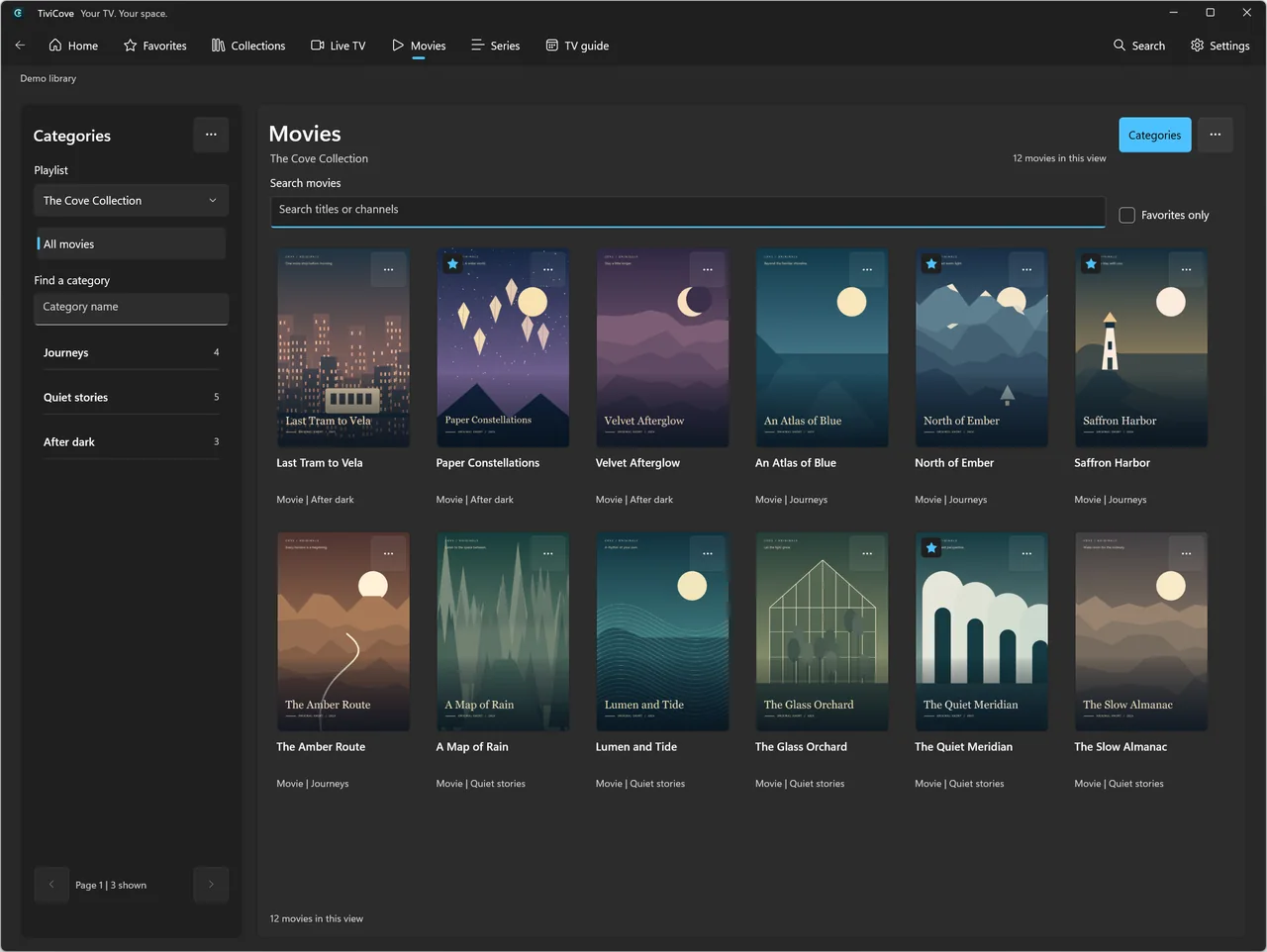
Actual app screenshots in your language. Original fictional demo titles and artwork; no channels or films are supplied.
A native interface, a quieter kind of browsing, and your library at the center. These are real TiviCove screens, not a wish list.
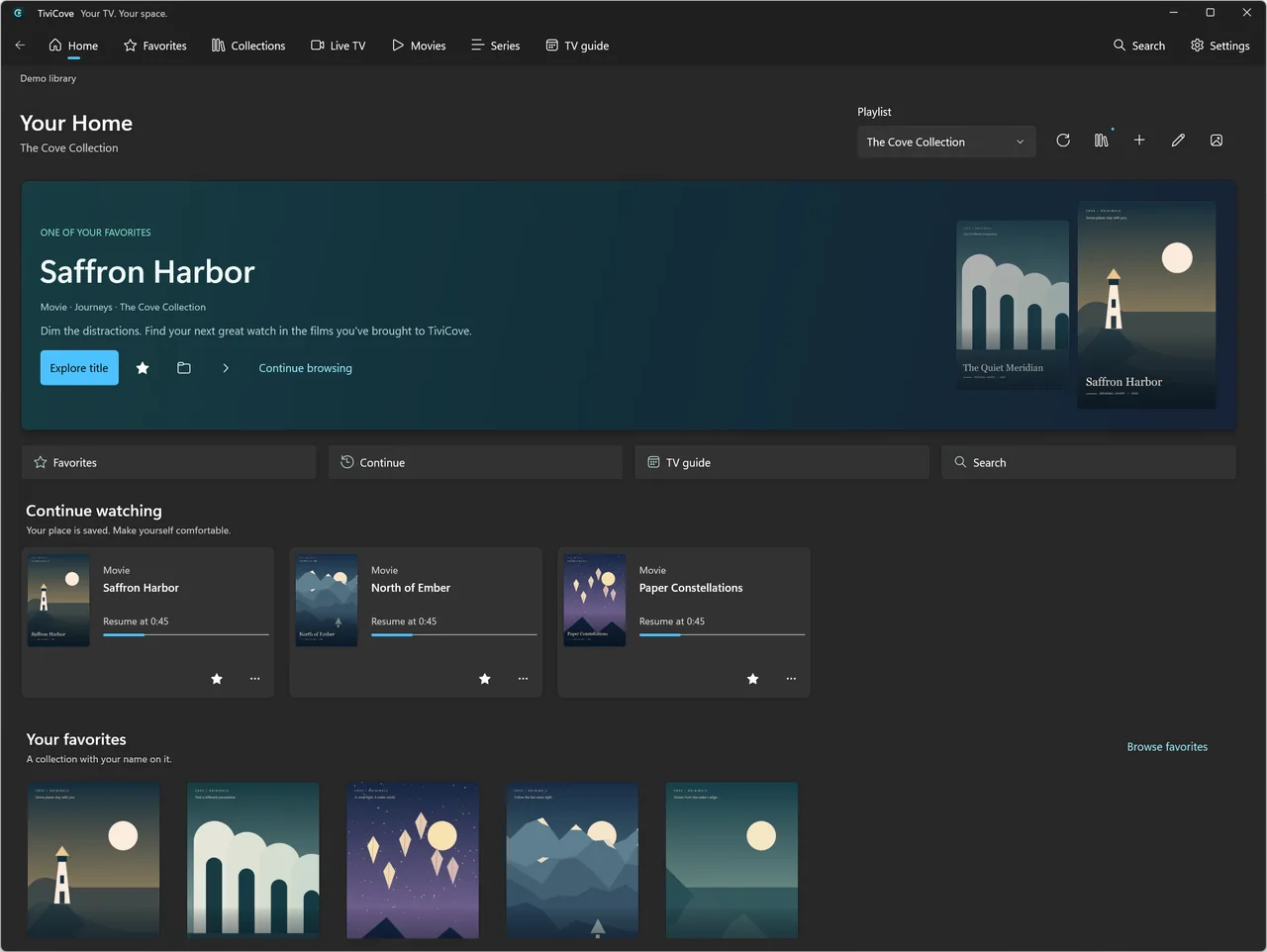
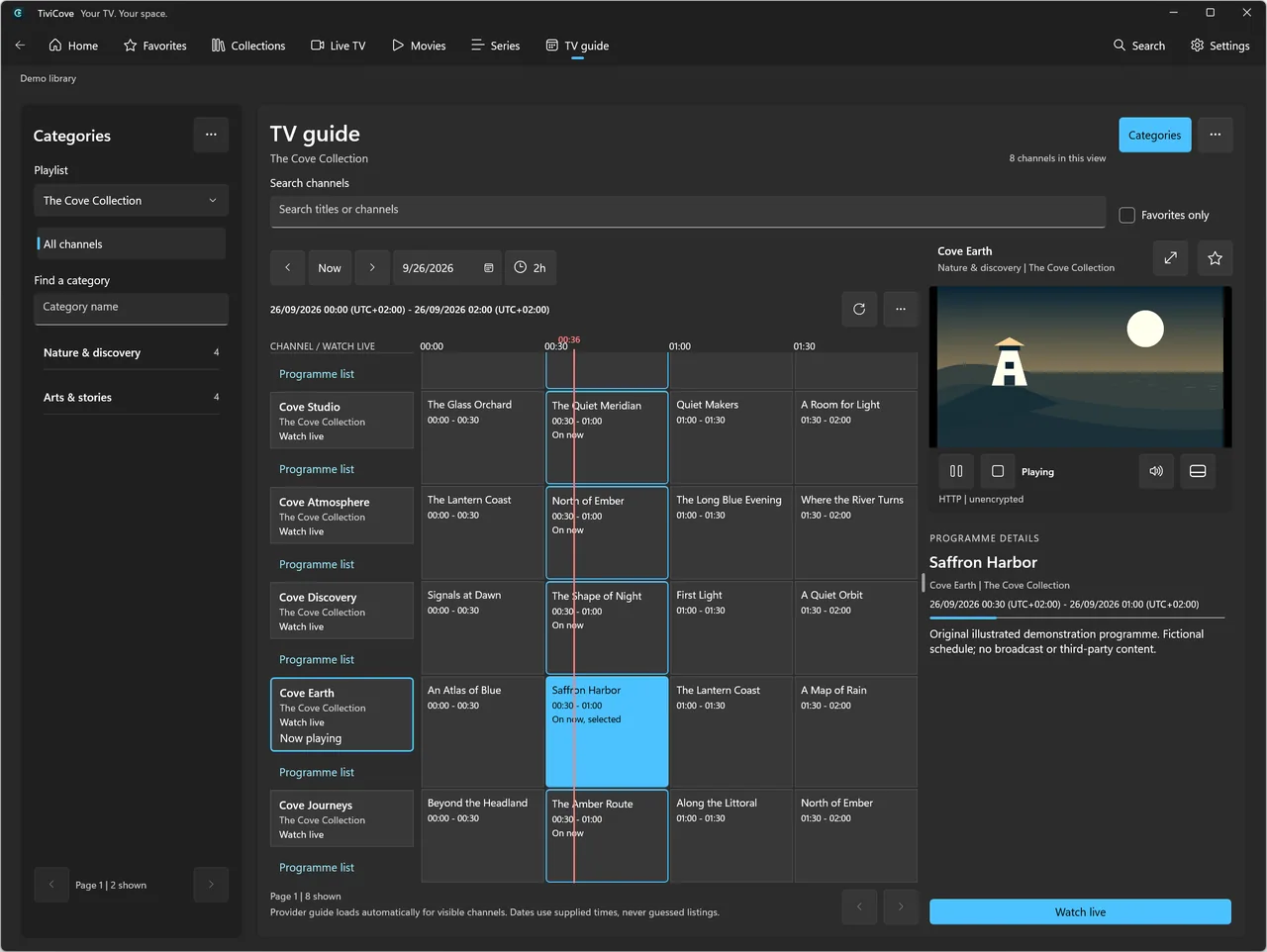
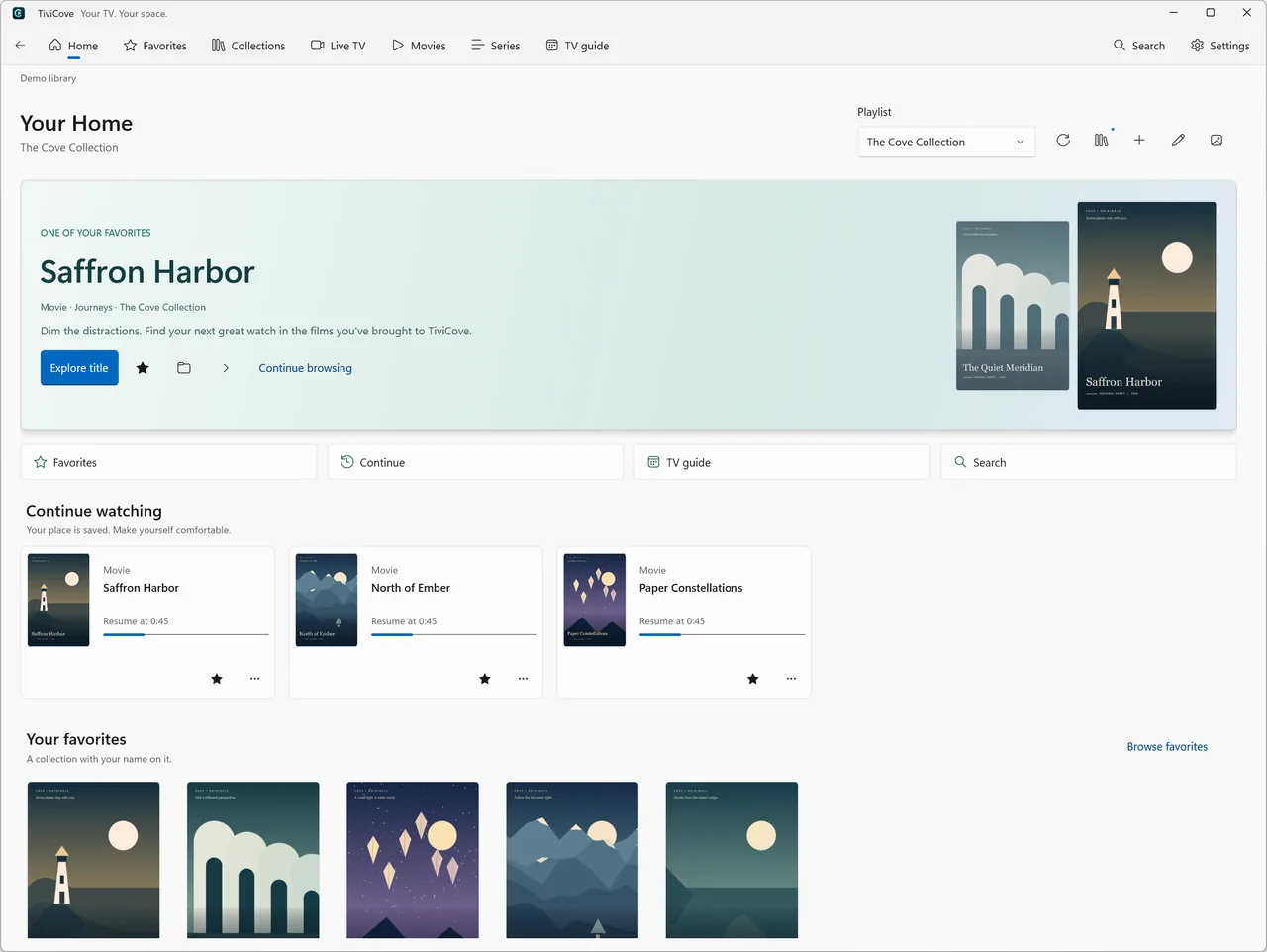
Actual app screenshots in your language. Original fictional demo titles and artwork; no channels or films are supplied.
The everyday essentials, carefully connected. No hunting through windows. No distractions between you and your own content.
Use XMLTV from a file or URL, or your source’s supported programme listings. See now/next, a time grid, programme details and an accessible programme list.

Watch fullscreen, browse with an in-app player in one of four corners, or pop out a resizable, always-on-top desktop mini-player.
Resume seekable movies and episodes, start over or choose your next episode from Home. Playback never automatically starts the next episode.
Keep favorites in a dedicated destination. Create, rename and curate personal collections, and pin up to four collection shelves on Home.
Choose your appearance, use keyboard shortcuts and find preferences with Settings search. Native layouts adapt to wide and narrow windows.
Export and restore a .tvcbackup file, including library and personal state, not video files. Restore replaces rather than merges; keep your password safe.
Your viewing history belongs on your device, not in a marketing dashboard. No TiviCove account. No advertising SDK. No automatic analytics.
Understand your privacyNo TiviCove account to create. Just your Windows PC and a source you’re allowed to watch.
Read the getting-started guideOpen our Microsoft Store listing on your Windows PC and install the app. The Store shows current availability, pricing and device requirements.
Choose Xtream account, Playlist link or Playlist file on the welcome screen. Enter your own source details and review the import result.
Browse Live TV, Movies or Series. Add a favorite, explore your guide and press Play when you’re ready. Artwork is your choice.
English, Spanish, French, German, Brazilian Portuguese, Simplified Chinese, Arabic and Hindi. The app follows Windows language preferences after reopening; Arabic navigation uses RTL.
No. TiviCove is a player, not a subscription or content provider. Add your own M3U/M3U8 playlist or Xtream-compatible source and only watch content you are authorized to access.
The app targets Windows 10 build 19041 and later, with Windows 11 recommended. The current Store package is x64. Check the Microsoft Store listing for your device’s eligibility.
Yes. Keep an in-app picture-in-picture player while browsing your library, or use a resizable, always-on-top desktop mini-player. Fullscreen is there for movie night.
Catch-up and Watch from start work only when your source offers a supported archive. TiviCove does not record television, provide a live timeshift buffer or bypass content restrictions.
The app supports eight languages and follows your Windows language preferences when reopened. This website also has all eight, with a manual language picker and a browser-language suggestion. Imported titles and content are not automatically translated.
The Microsoft Store listing is the authority for current pricing and regional availability. Any content subscription is separate and is not supplied by TiviCove.
A little less clutter. A little more comfort. Your library, the TiviCove way.
Get it from Microsoft StoreFor Windows · No content or subscription included


